
Rechargeable Antitheft Mini Smart Fingerprint Padlock Suitable for Luggage, Luggage, Door cabinets, Container Cars, Bicycles ,can Enter 10 Fingerprints (10-RS)
About Product
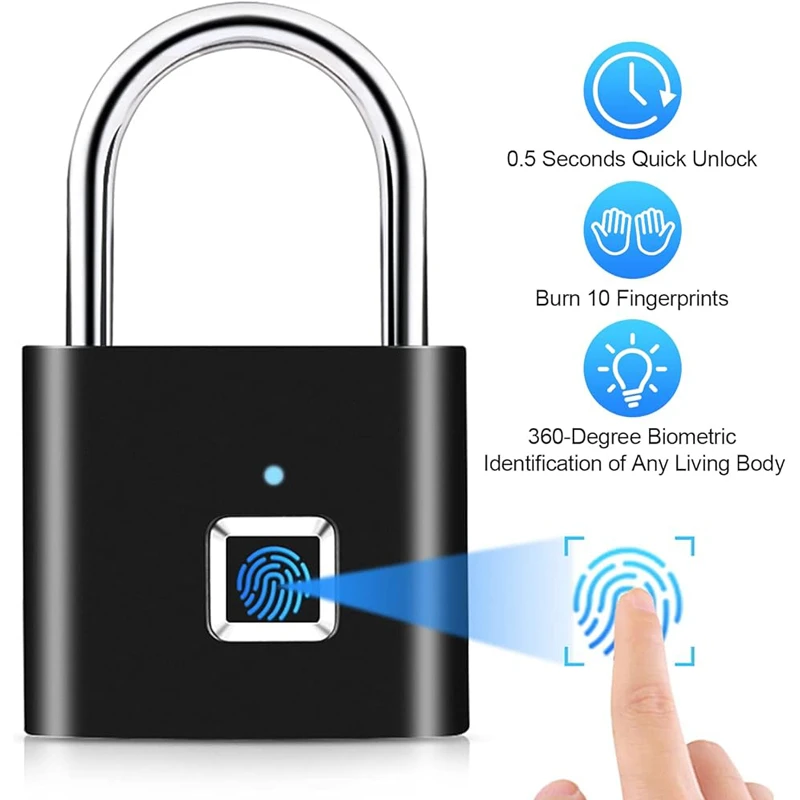
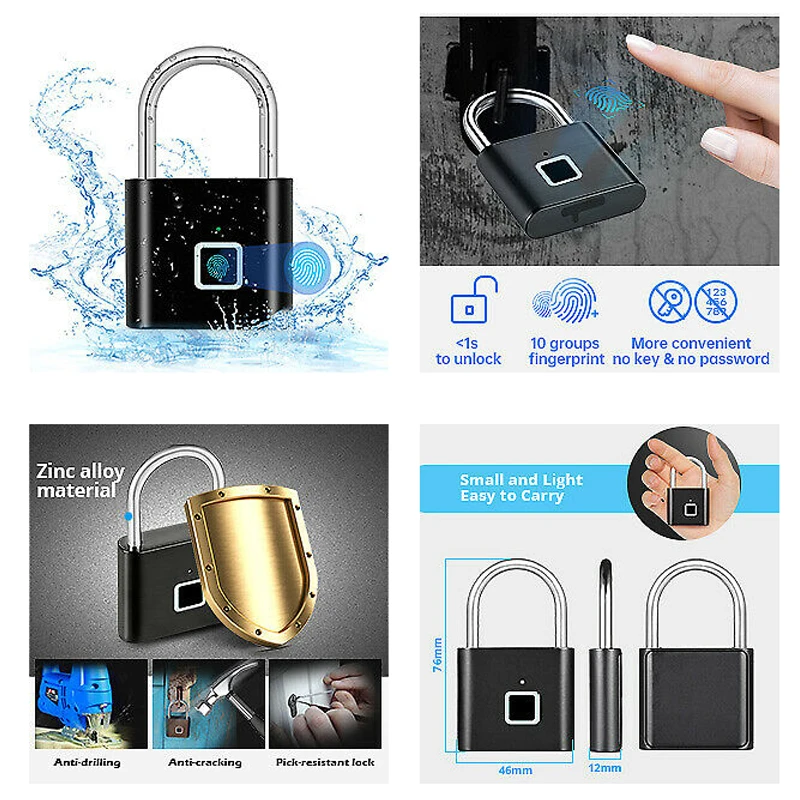
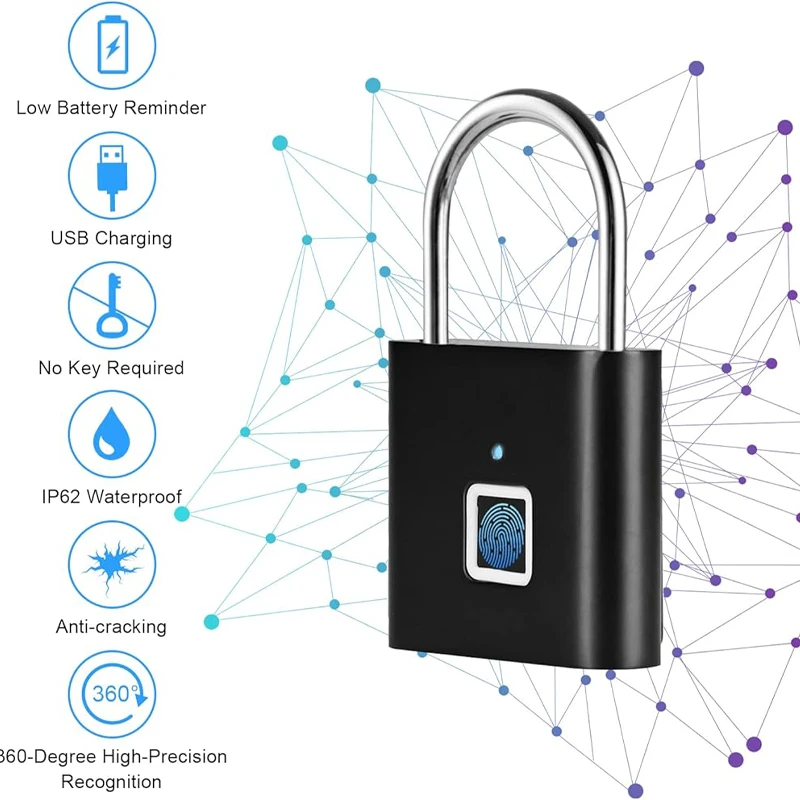
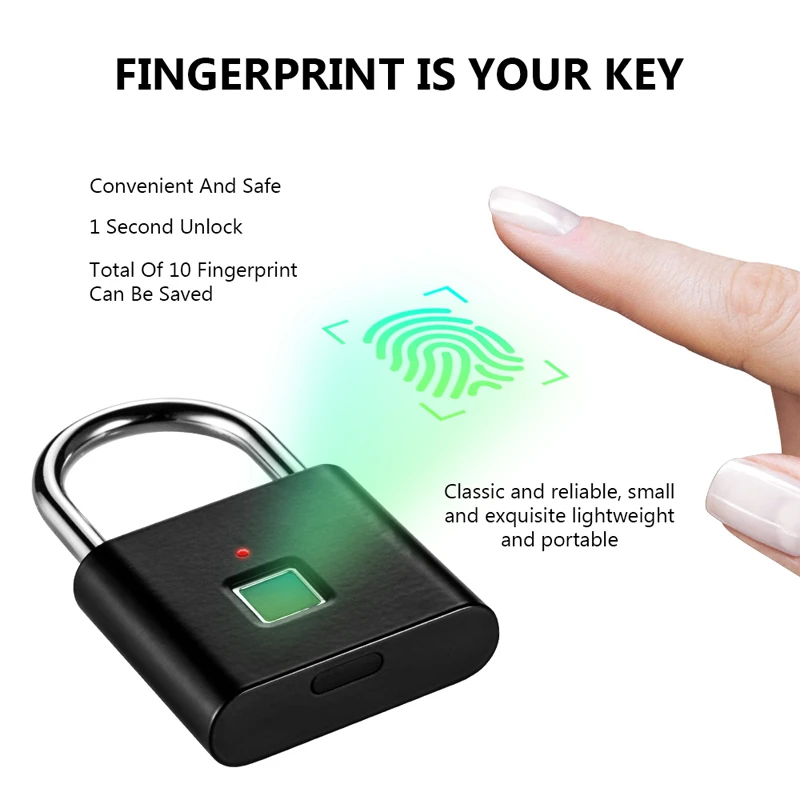
The smart fingerprint lock provides fast and secure access with a single touch in less than half a second, supporting up to 10 stored fingerprints with 360° recognition for any living finger. It features a strong, water- and dust-resistant body, along with a rechargeable lithium battery that lasts for many months of use. The lock includes an admin management system for adding or removing users, plus an emergency Morse password in case the fingerprint cannot be recognized. Compact and lightweight, it is suitable for lockers, bags, bicycles, and daily indoor or outdoor use.
Main Features
• Fast fingerprint unlocking in 0.2 – 0.5 seconds
• Supports up to 10 fingerprints, with the first two as admin fingerprints
• 360° biometric recognition for any living finger
• Emergency Morse password when fingerprint reading fails
• Ideal for indoor and outdoor use: gym lockers, school lockers, bags, drawers, bicycles, and more
• Fully keyless operation — no apps or external devices required
Technical Specifications
• Material: Zinc alloy + strong carbon-steel shackle
• Response time: 0.2 – 0.5 seconds
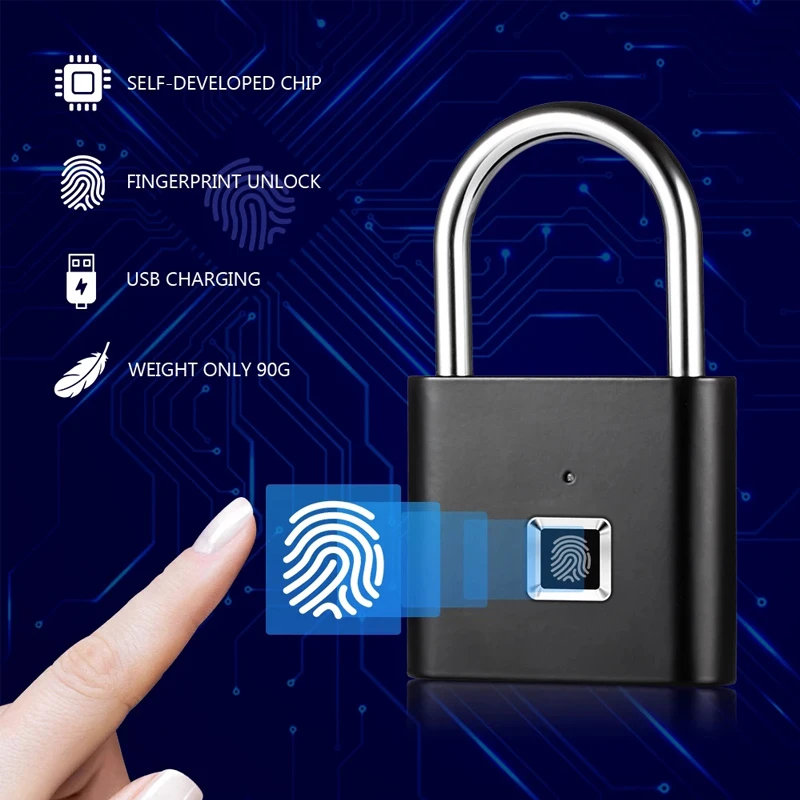
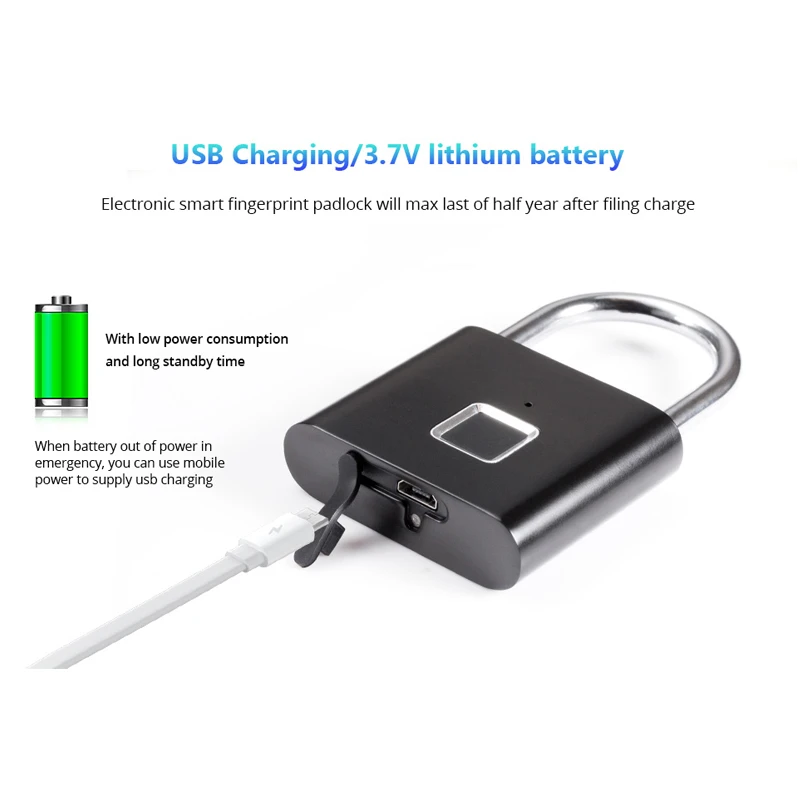
• Power source: 3.7V rechargeable lithium battery
• Charging port: Type-C USB with waterproof silicone cover
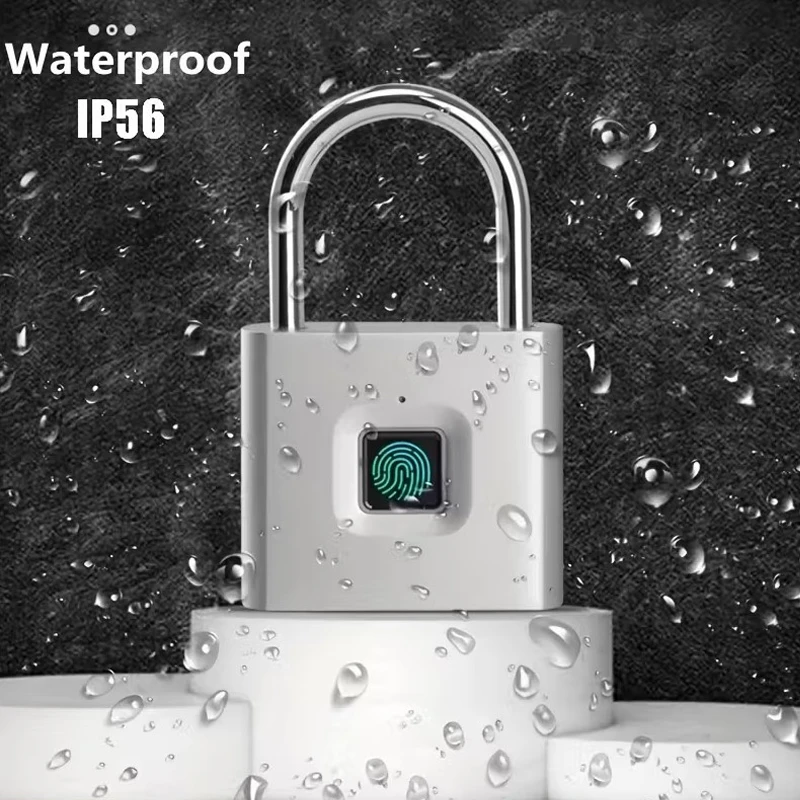
• Water & dust protection rating: IP56 / IP62 (depending on version)
• Size: 4.5×7.6cm .
Read full description
Description
Correct Instructions for Setting Fingerprints
Add the First Fingerprint (Main Administrator)
- Touch the fingerprint sensor for 5 seconds until the blue light appears.
- Lift your finger, then touch the sensor 10 times until the blue and green lights flash.
- A green light with a “Di” sound indicates successful registration.
Add a Second Fingerprint (Second Administrator)
- Touch the sensor until the blue light appears.
- Touch the sensor using the first admin fingerprint to authorize.
- Enter the new fingerprint 10 times until the blue and green lights flash and the “Di” sound is heard.
Add Additional Users (Up to 8 More Fingerprints)
- Touch the sensor until the blue light appears.
- Authorize using either admin fingerprint (1 or 2).
- Enter the new fingerprint 10 times until the blue and green lights flash and the “Di” sound confirms success.
Factory Reset (Delete All Fingerprints)
- Press and hold the fingerprint sensor until the red light appears.
- Then scan either admin fingerprint (1 or 2).
- A green light with a loud “Di” sound indicates that all fingerprints have been deleted.
Alerts & Additional Functions
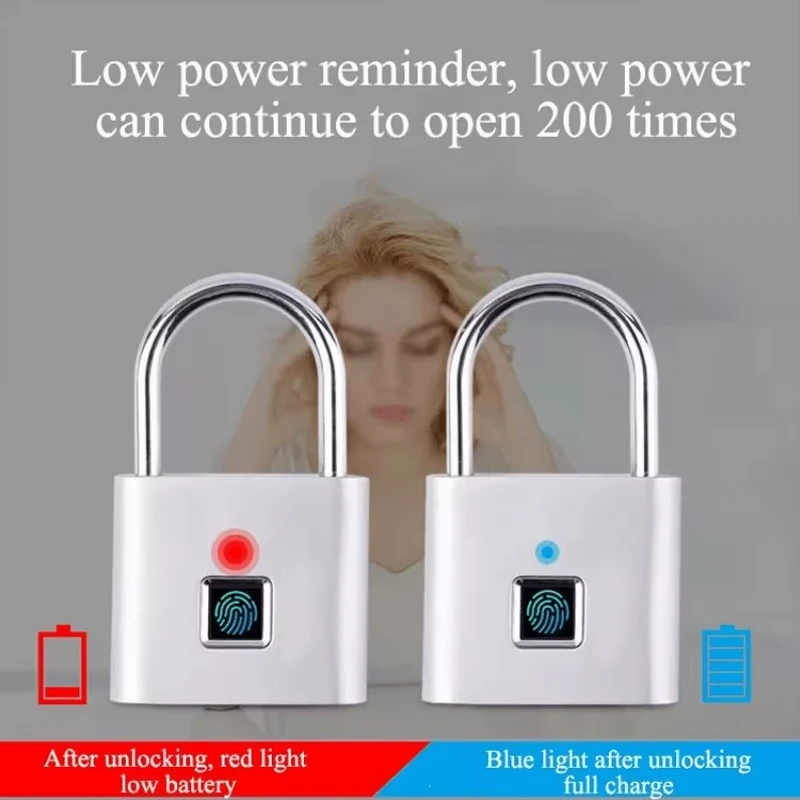
• Low battery warning: Red light flashes for 10 seconds after unlocking
• Emergency charging: When the battery is empty, connect a Type-C USB cable to charge and unlock
• Keep the fingerprint sensor dry to improve recognition
• Admin feature: Only fingerprints 1 and 2 can add or delete user fingerprints
Package Includes
• 1 × Smart Fingerprint Lock
• 1 × Charging Cable
• 1 × User Manual
Benefits
• Eliminates the hassle of lost keys
• Instant and easy access for all ages
• Strong protection for bags, lockers, and bicycles
• Low maintenance with long battery life
• Ideal for sports, travel, work, and school
Product Code: 10-RS
There are no reviews yet, be the first to share your opinion


