
See all products from MOES
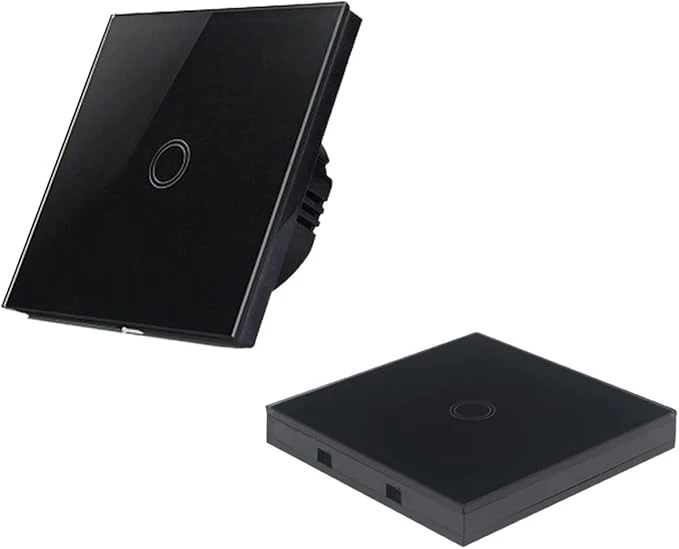
Moes 2nd Generation WiFi Smart Touch Wall Single Fire Smart Switch
Availability:
Out Of Stock
About Product
- Moes 2nd Generation WiFi Smart Touch Wall Single Fire Smart Switch
Read full description
Description
- Specification:
- Rated operational voltage: 110V-240V AC
- Material: panel: Ultra clear tempered glass panel
- Back shell: fire restriction PC
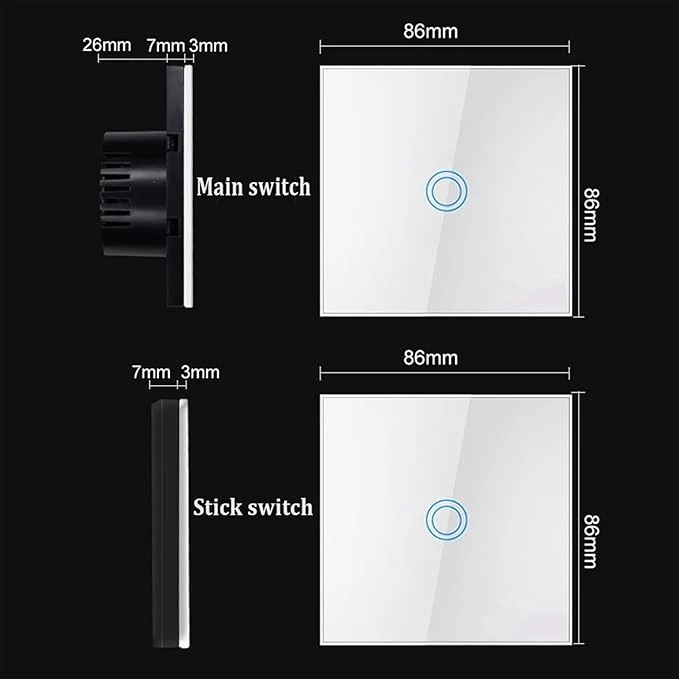
- Type: 1/2/3 Gang Touch Switch, (touch function and controlled by remote control)
- Color: White / Black / Gold
- Load power: 3-300w/gang; (Note: If it use LED or energy saning bulb, power load should be less than 100w/gand; The load can't connect with inductance ballast drived fluorescent lamp)
- Working temperature radiation: -20 degree - 60 degree
- Operating Frequency:50/60Hz
- Relative humidity:10%-95%
- Feature:
- 1.Toughened crystal glass panel, no fading, elegant and stylish;
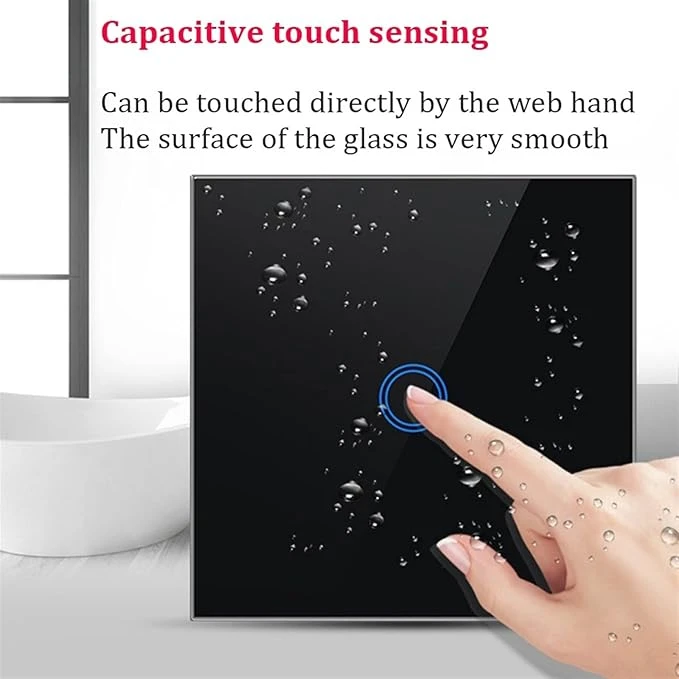
- 2.Integrated panel design, waterproof and anti-creeping, safe to use;
- 3.Touch control ensures longer service life than mechanical switch;
- 4.NO need to open the wall rewiring, direct replacement of the old switch.
- SECURITY CONSIDERATIONS:
- 1,Install the product the case of power off
- 2, Do not install in damp enviroment
- 3, Do not exceed the load used.
- 4,Please follow instructions properly installed.
- 5. The switch must be installed without electricity,electricity must be turn on after the installation (cover the glass touch panel), touch for test after 10 seconds, or the switch will not work well.
- Remote control pairing
- 1. How to use a button to turn it ON or OFF?
- Press wall switch's button in your home for few seconds when rings a beep, and then press remote any key, power ON and OFF control can be realized.
- 2. How to use a button to turn it ON?
- Press wall switch's button in your home for few seconds when rings two beep, And then press remote any key, power ON control can be realized.
- 3. How to use a button to turn it OFF?
- Press wall switch's button in your home for few seconds when rings three beep, And then press remote any key, power OFF control can be realized.
- 4. How to cleanup the code?
- Press wall switch's button in your home for few seconds when rin
Product Code: RT-C-EU2-BK-MS
There are no reviews yet, be the first to share your opinion


